
Deterministic Drafting for the AI Era
AI platforms are transforming how lawyers work - but AI alone cannot be trusted to produce client-ready or court-ready documents. Hallucinated clauses, fabricated citations, and subtly wrong terms are a professional liability risk that no firm can afford.
The Smarter Drafter MCP server solves this by combining the conversational intelligence of AI with the deterministic precision of Smarter Drafter's document automation engine. The AI understands what you need and collects the right information. Smarter Drafter produces the document - always from your firm's approved templates, always consistent, always correct. The result is a workflow that feels as natural as chatting with an AI, with output you can actually put in front of a client.
Built on the open Model Context Protocol (MCP) standard, the Smarter Drafter MCP server works with any MCP-compatible AI platform - connecting your AI assistant directly to your Smarter Drafter account to discover, populate, and generate firm-approved documents without ever leaving the conversation.
Capabilities
- Conversational Document Generation: Describe a matter in natural language (e.g., "Draft an NDA for John Wickham"), and the AI identifies the right template and gathers missing inputs through a targeted conversation.
- Native Generation: Submit data directly from the AI conversation to trigger Smarter Drafter's assembly engine, producing firm-approved PDF and DOCX outputs.
- Schema Inspection: Before populating a document, the AI retrieves the full field schema - including field labels, types, and validation rules - ensuring it knows exactly what data is required without guessing.
- Partial Submission Handoff: For longer or more complex forms, the AI can collect what it has and open the remaining fields directly in a Smarter Drafter form for the user to complete. This keeps the conversation lean while ensuring nothing gets missed - a much better experience than answering twenty questions in a chat window.
- Works Alongside Your Existing Workflow: The MCP server doesn't replace how you work - it fits into it. Bring Smarter Drafter in exactly when you need it, whether that's mid-conversation, after reviewing a client email, or as a step in a broader matter workflow alongside other tools your team already uses.
- Secure OAuth Authentication: Full support for OAuth ensures that AI only surfaces automations the user is authorized to access, maintaining firm-wide security and audit trails.
How it works
The Smarter Drafter MCP server supports four main steps through six tools:
- Discover - The AI searches your Smarter Drafter account for published forms matching the document you want to generate.
- Inspect - The AI retrieves the full form schema for the matched automation, including fields, types, and validations, so it knows exactly what information to collect.
- Submit - Once the AI has gathered the required answers, it submits the completed data to Smarter Drafter's automation engine to generate the document.
- Retrieve - The generated document - in PDF and/or DOCX format - is returned directly into the AI conversation for download.
The AI handles the conversation and data collection. Smarter Drafter handles the document generation. The output is always produced by your firm's approved automation templates.
Setup
Claude Connector Library
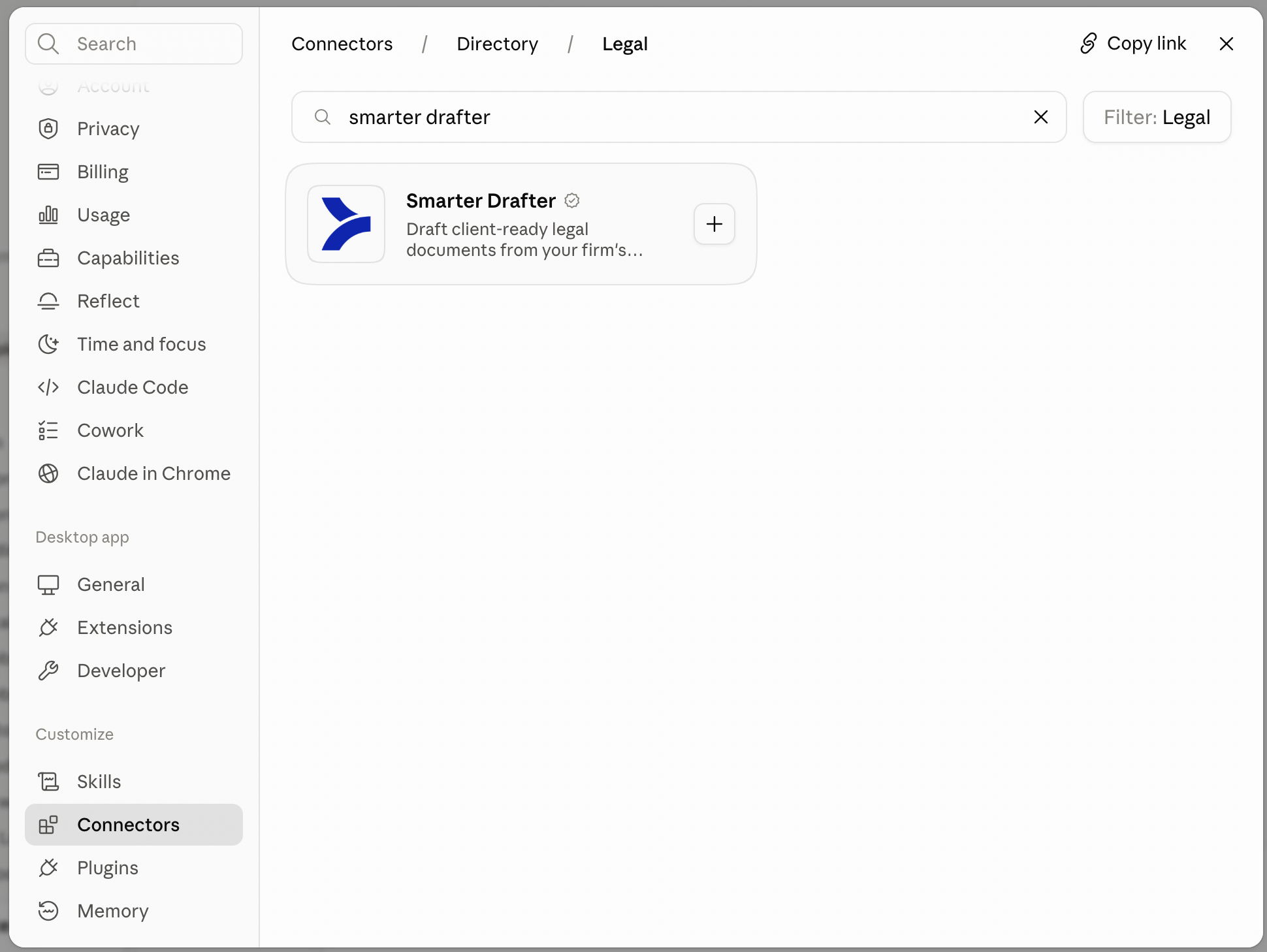
Smarter Drafter MCP is on the official Claude Connector library. Navigate to the Connectors in Claude, search for Smarter Drafter and then connect.
UK and EU customers should connect to the https://mcp.smarterdrafter.co.uk URL, customers in another other location should connect to the https://mcp.smarterdrafter.com URL.
Microsoft Copilot Connector
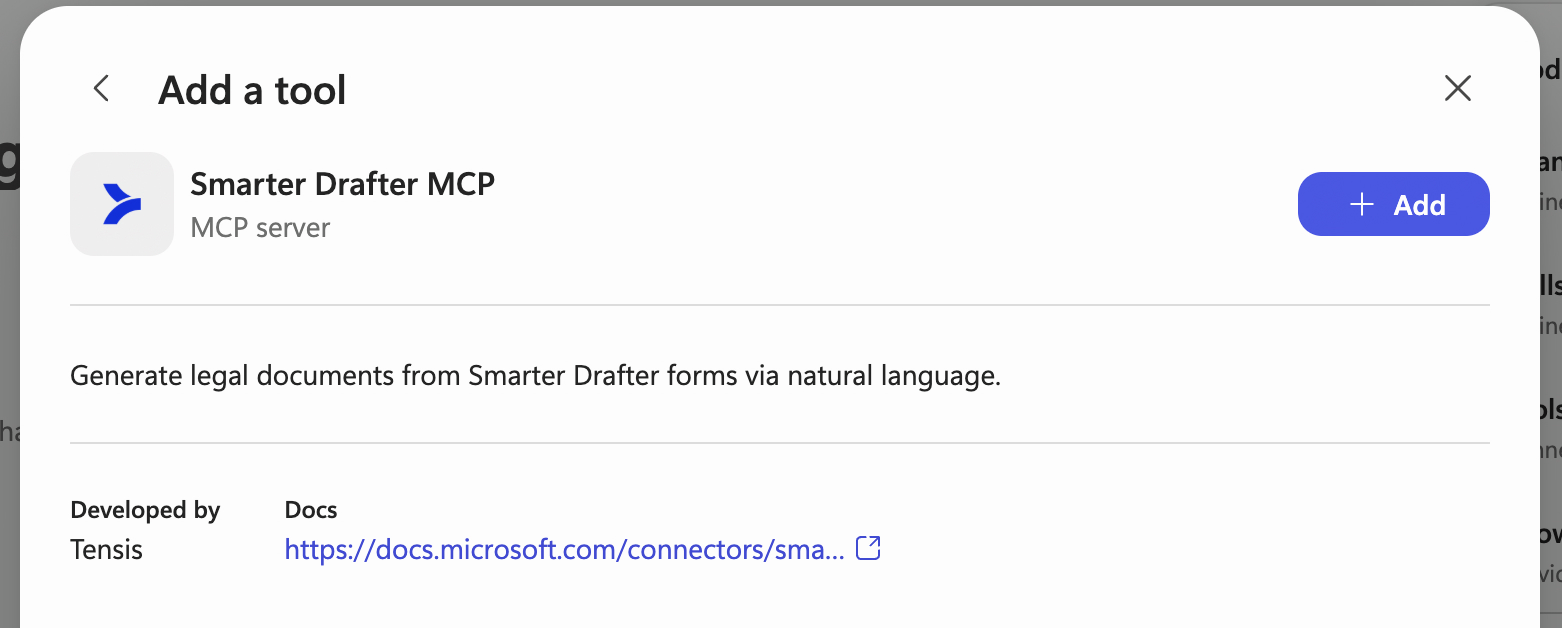
The Smarter Drafter MCP server is available as a certified connector in Microsoft Copilot Studio. Once added to your agent, it lets you generate legal documents from your Smarter Drafter forms using natural language, so you can find the right form, fill in the details and produce the document without leaving Copilot.
Learn more on the official Smarter Drafter MCP Microsoft page.
Custom connector
- Copy your MCP server URL for your environment.
- Add the URL to your AI platform's MCP configuration. For other MCP-compatible platforms, refer to that platform's documentation for adding a custom MCP server URL.
- In your AI platform, when prompted, complete the OAuth authorisation flow - you'll be asked to sign in to Smarter Drafter and approve the requested permissions.
- Once authorised, your AI platform will have access to your Smarter Drafter account scoped to your user.
- Test the connection - trying using your AI assistant to draft a particular document or search for one.
Tools reference
The following tools are exposed by the Smarter Drafter MCP server:
| Tool | Description |
|---|---|
| search_forms | Searches for published forms in the connected Smarter Drafter account by name or description. |
| get_fields_by_form | Retrieves the full field schema for a given form, including field types, validations, selection options, and repeating section rules. |
| create_submission | Creates a submission with field answers. Set IsDraft=true to create a draft; the default completes the submission and can start document generation. |
| update_submission_answer | Updates a single field answer in an existing submission. Essential for file uploads and correcting draft submissions. |
| submit_submission | Finalizes a draft submission and initiates document generation. Converts draft to completed submission. |
| get_submission_generated_documents_url | Returns temporary download URLs for generated documents. |
Authentication
The Smarter Drafter MCP server supports OAuth 2.1 as the authentication method. OAuth authenticates at the individual user level, which means:
- Each user sees only the forms and automations they are permitted to access within your Smarter Drafter account.
- Actions taken via MCP are attributed to the individual user, giving you a clear per-user audit trail.
- Connection revocation is described below.
- On first connection, users will be presented with a consent screen to approve the permissions requested by the MCP server.
OAuth and connection security
OAuth discovery and manual setup
Use your regional MCP base URL from Setup. Prefer OAuth discovery, including Dynamic (with discovery) for a custom Copilot Studio MCP connection. The transport is Streamable HTTP.
| Setting | Path or value |
|---|---|
| Protected resource metadata | /.well-known/oauth-protected-resource (or /.well-known/oauth-protected-resource/mcp when connecting to /mcp) |
| MCP authorisation server metadata | /.well-known/oauth-authorization-server/mcp |
| Dynamic client registration | /oauth/register |
| Authorisation endpoint | /oauth/mcp/authorize |
| Token endpoint | /oauth/token |
| Flow | Authorisation code with S256 PKCE |
| Client authentication | token_endpoint_auth_method=none; no client secret required |
For example, the Australian authorisation URL is https://mcp.smarterdrafter.com/oauth/mcp/authorize. Use the same path on https://mcp.smarterdrafter.co.uk for UK accounts. Register the client's exact HTTPS callback URI. Exchange the code using the same client ID and callback URI, and the verifier matching the original PKCE challenge. If sending an OAuth resource, use the exact MCP resource URL and keep it consistent through exchange and refresh; root and /mcp are distinct values. Root-level authorisation-server metadata is for the Clients API; use the MCP-specific metadata above. MCP and Clients API tokens are not interchangeable.
Permissions and consent
The server enforces these scopes as well as the user's form access:
| Scope | Permitted tools |
|---|---|
forms:read | search_forms |
fields:read | get_fields_by_form |
submissions:write | create_submission, update_submission_answer, submit_submission |
documents:read | get_submission_generated_documents_url |
For read-only access, request openid profile offline_access forms:read fields:read documents:read. For drafting, also request submissions:write.
When a client omits the scope parameter, the default request is openid profile offline_access forms:read fields:read submissions:write documents:read, subject to user consent. This includes write access. Explicit narrower requests stay narrower; empty or unsupported scope requests are rejected. Clients API access is never included in the MCP default.
Write access allows an AI client to create, change and complete submissions. Completing a submission can also trigger form-configured emails, webhooks and uploads to other systems. Review those form actions before enabling write access. Tool annotations do not provide a server-side confirmation for each write.
Revocation and token expiry
An authenticated connection owner can list grants through GET /api/OAuthConnections?skip=0 on the normal Smarter Drafter API (up to 100 per page), then revoke a selected grant using DELETE /api/OAuthConnections/{id}. Use the normal application's authentication, not an MCP token. There is no connection-management profile screen; contact support if you need help using this API.
The next MCP request and refresh for a revoked grant are refused. Disconnect in the AI client too, to remove its saved credential. Revocation does not delete downloaded files. Previously issued document links can remain valid for their five-minute window.
Access-token expiry follows the identity provider's expires_in (one-hour fallback). The protected refresh token follows refresh_token_expires_in (24-hour fallback). The identity provider may reject tokens sooner. Reconnect when refresh has expired or consent has been revoked. These lifetimes are unrelated to customer-data retention.
File URL downloads
Files attached through MCP URL downloads are limited to 50 MB. The server blocks private, loopback, link-local and other special network addresses, including destinations reached through redirects or DNS resolution. Use a publicly reachable file URL that the server can access. This restriction applies to MCP URL downloads; it does not change normal browser uploads.
Troubleshooting
What forms are available?
Only published forms that the authenticated user has access to will be discoverable via MCP. Draft or unpublished automations will not appear. If a form isn't showing up, confirm it has been published in your Smarter Drafter account.
My AI can't find a form I know exists
Check that the form has been published in Smarter Drafter. Only published automations are discoverable via MCP. Also confirm you are authenticated as a user who has access to that form.
The AI is asking me questions that don't seem relevant
For the current release, form fields are returned as a flat list without branching logic applied. This means the AI may ask about fields that would ordinarily be hidden based on earlier answers. This will be improved in a future release as conditional logic support is added.
Document generation seems to have stalled
Check the submission status in your Smarter Drafter account under your submission history. If the submission shows as complete but documents haven't returned to your AI conversation, try asking your AI assistant to retrieve the documents for your submission ID.
I'm getting an authentication error
Try disconnecting and reconnecting the MCP server in your AI platform, then completing the OAuth flow again. If the issue persists, check that your Smarter Drafter account is active and that your user has the necessary permissions.
A form has multiple similar results
When multiple forms match your request, your AI assistant will present the options and ask you to confirm which one to use before proceeding.
For help with the Smarter Drafter MCP server, contact [email protected].